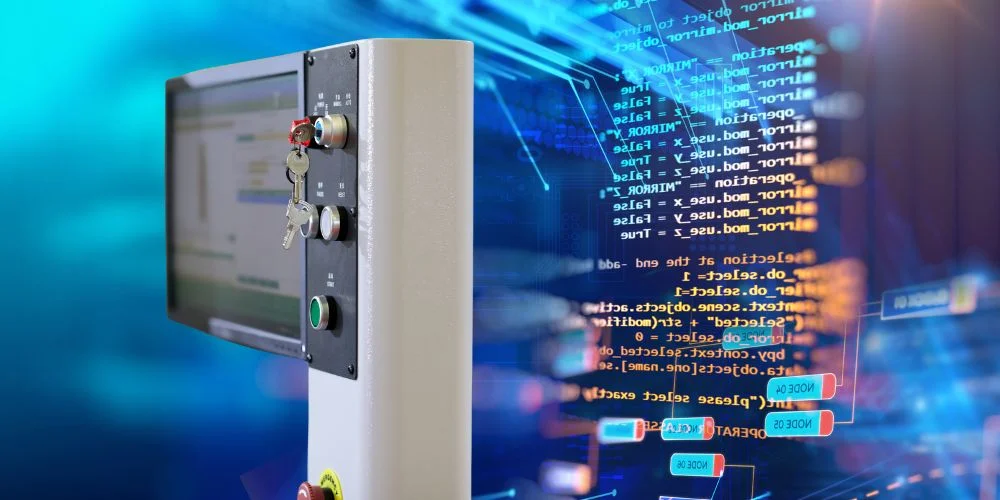
HMI programming is the process of designing and configuring the screens, controls, and logic that allow a user to interact with industrial machines through a Human Machine Interface (HMI) screen.
While PLCs control the machine operations, HMI programming focuses on how those operations are presented and controlled visually—making the system usable and efficient for humans.
What Is HMI Programming?
HMI programming involves:
- Designing interface screens (menus, graphs, buttons)
- Linking data tags from PLCs to display values
- Setting up alarms and notifications
- Configuring user input like buttons or sliders
- Organizing navigation between different screens
It’s usually done using specialized HMI development software provided by the hardware manufacturer.
Popular HMI Programming Software
Different brands offer their own tools for HMI programming:
- Siemens – TIA Portal (WinCC)
- Allen-Bradley – FactoryTalk View Studio
- Schneider Electric – Vijeo Designer
- Mitsubishi – GT Works3
- Weintek – EasyBuilder Pro
- Delta – DOPSoft
These platforms offer drag-and-drop tools, real-time simulation, and connectivity with PLCs.
What Does an HMI Program Include?
An HMI program typically contains:
- Screen layouts with gauges, charts, indicators
- Tags connected to PLC addresses (e.g., motor speed, tank level)
- Alarms and events with visual/audio alerts
- Recipes for quick parameter changes
- User authentication for restricted access
Each component helps operators monitor and control equipment safely and efficiently.
Basics of HMI Programming Workflow
- Define project settings (screen size, PLC communication)
- Create tags linked to PLC variables
- Design screens (main, settings, alarms, diagnostics, etc.)
- Place objects like buttons, numeric displays, bar graphs
- Assign functions (screen change, value write, alarm trigger)
- Test & simulate in software before downloading to HMI
- Download project to the HMI screen and validate performance
Example Application
In a water pump station:
- The HMI shows tank levels with a bar graph
- Operators press buttons to start/stop pumps
- Alarms are triggered for low pressure or overload
- All actions are logged and displayed via the HMI program
Final Thoughts
HMI programming bridges the gap between machine logic and human control. A well-programmed HMI improves usability, reduces operator error, and enhances system visibility.
Whether you’re building a small machine panel or a full factory dashboard, thoughtful HMI programming is key to efficient automation.
Related Blogs