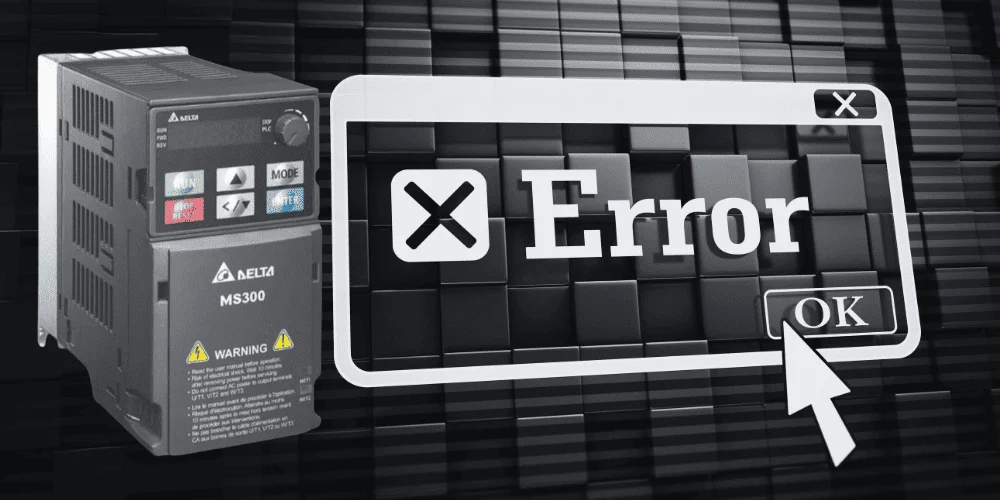
A Variable Frequency Drive (VFD) is a smart controller for electric motors. Like any electronic system, it can run into problems. To help users quickly understand what went wrong, VFDs display fault codes. These are short messages or numbers that act like “error signals,” pointing to the specific issue.
What Are VFD Fault Codes?
When a VFD detects something abnormal — such as too much current, overheating, or a wiring problem — it shuts down the motor to protect both the drive and the equipment. Instead of leaving you guessing, it shows a fault code on its display.
Each manufacturer (like Allen Bradley, Siemens, Yaskawa, Schneider, etc.) has its own list of codes, but most VFDs cover similar categories of faults.
Since fault codes can vary between brands (Allen Bradley, Siemens, Yaskawa, Schneider, ABB, etc.), I’ll give you a general list of the most common VFD fault codes with their meanings. These cover 90% of what users see across different models:
Common VFD Fault Codes and Their Meanings
OV (Overvoltage Fault)
- The DC bus voltage is too high.
- Causes: Sudden deceleration, power surges, braking issues.
UV (Undervoltage Fault)
- Input power supply is too low.
- Causes: Weak grid supply, loose connections, long cable runs.
OC (Overcurrent Fault)
- Motor current exceeded safe limits.
- Causes: Motor overload, jammed load, short circuit.
OH (Overheat / Overtemperature Fault)
- Drive’s internal temperature is too high.
- Causes: Blocked cooling fan, high ambient temperature, overload.
GF (Ground Fault / Earth Fault)
- Current is leaking to ground.
- Causes: Motor insulation damage, cable fault.
CF (Communication Fault)
- VFD lost connection with PLC, HMI, or network.
- Causes: Broken communication cable, wrong settings, network drop.
OL (Overload Fault)
- Motor or VFD is running above rated load for too long.
- Causes: Mechanical overload, improper motor sizing.
SC (Short Circuit Fault)
- Short circuit detected in motor or cabling.
- Needs immediate inspection.
STO (Safe Torque Off Fault)
- Safety circuit has triggered and disabled motor torque.
PH (Phase Loss / Phase Imbalance Fault)
- Missing or unbalanced input power phase.
- Causes: Loose wire, power supply failure.
✅ Important Note:
Each brand has its own exact fault code numbers and names. For example:
- Siemens may display “F0003” for overcurrent.
- Allen Bradley PowerFlex may show “F5” for overvoltage.
- Yaskawa may show “oC” for overcurrent.
So while the meaning is the same, the code label differs.
Here’s a detailed, brand-wise compilation of common VFD fault codes, from major manufacturers—perfect for technical readers yet written in clear, user-friendly language:
1. Allen-Bradley PowerFlex (525 Series)
Most commonly seen in industrial automation, here are selected fault codes with descriptions:F013 – Ground Fault
- Indicates a current leak from one of the output terminals to earth ground. (Check motor & wiring.)
F015 – Load Loss
- The torque output dropped below a pre-set threshold for longer than allowed. (Check the connection between motor and load.)
F021 – Output Phase Loss
- A missing phase detected at the output.
F038 / F039 / F040 – Phase U/V/W to Ground
- Individual phase-to-ground faults
F041 / F042 / F043 – Phase-to-Phase Short
- Excessive current due to short circuits between phase pairs
F033 – Auto-Restart Tries Exceeded
- VFD tried to reset and restart but failed repeatedly.
F048 – Parameters Defaulted
- VFD settings restored to factory defaults.
F059 – Safety Open
Safety circuit not enabled (safety inputs triggered).
- 2. Siemens Drives (e.g., Sinamics S120)
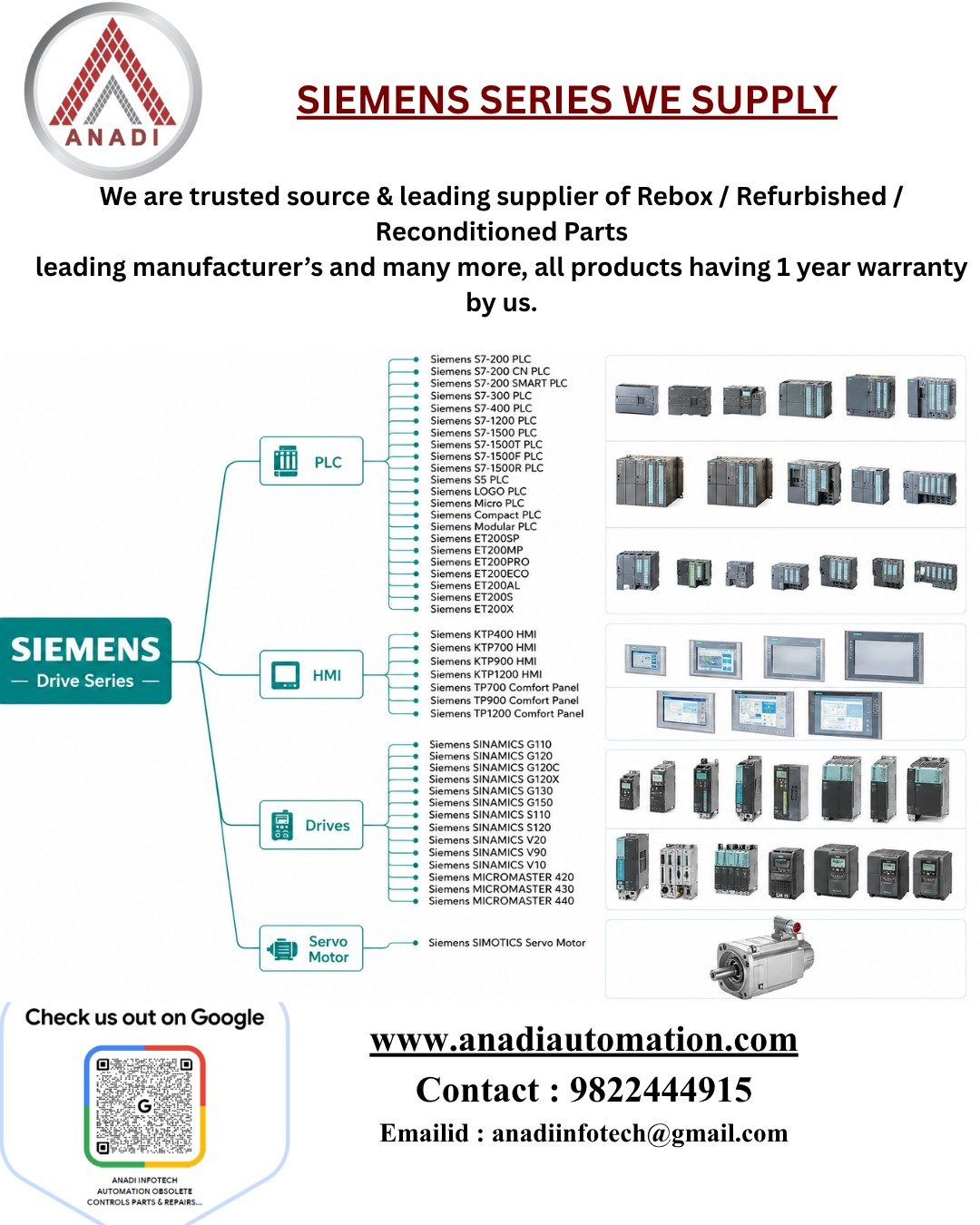
Here are frequently observed fault codes across Siemens drives:F0001 – Overcurrent
- Motor drawing too much current.
F0002 – Overvoltage
F0003 – Undervoltage
F0004 – Converter Overheating
F0005 – Excess I²t
F0011 – Motor Overheating (I²t)
- Motor thermal stress exceeded rating.
F0041 – Stator Resistance Measurement Error
F0051 / F0052 – EEPROM / Stack Error
- Memory or stack-related corruption.
F0060 – No ASIC Response
- Communication failure with Intel ASIC board.
F0070 / F0071 – Communication Errors
Issues in setting through comm board or serial protocol timeouts.
Advanced Siemens codes (often in G120/G130 etc.) also appear:
30001 – Overcurrent
30002 – DC Link Overvoltage
7900 – Motor Overload
F7902 – Motor Stall
F7011 – Motor Overtemperature
Heat issue due to poor ventilation or prolonged overload.
Other software/system faults also appear in Sinamics S120:
F01000 – Internal Software Error
F01001 – Floating Point Exception
- Arithmetic or software data exception.
F01002 – Internal Software Error (repeat)
F01003 – Memory Acknowledgement Delay
A section of memory didn’t respond on time.
3. Yaskawa Drives (Servopack & VFD)
Common fault codes include:A.030 – Main Circuit Detector Error
A.040 – Parameter Setting Error
A.041 – Encoder Output Pulse Error
A.042 – Parameter Combination Error
Other errors like Overcurrent, Regenerative Overload, Wiring Errors, etc., appear depending on drive model
Also, PLC-style external input faults (e.g., EF1, EF6, EF7) are used:EF1 / EF6 / EF7 – External Faults
Indicates a fault triggered via external input terminals.
How to Handle VFD Fault Codes
- Read the Display – Note the fault code number or message.
- Check the Manual – Each code has a detailed explanation in the VFD’s user manual.
- Identify the Cause – Look for conditions like poor wiring, high temperature, sudden load change, or incorrect settings.
- Reset the Drive – Most VFDs allow resetting after the issue is fixed. Some need a manual reset, while others reset automatically.
- Prevent Future Faults – Ensure proper ventilation, correct parameter settings, and regular maintenance.
✅ In Short
VFD fault codes are protective warning messages. They don’t just stop the motor — they guide you to the exact problem. By learning how to interpret these codes, you can solve issues quickly, reduce downtime, and keep your equipment running smoothly.